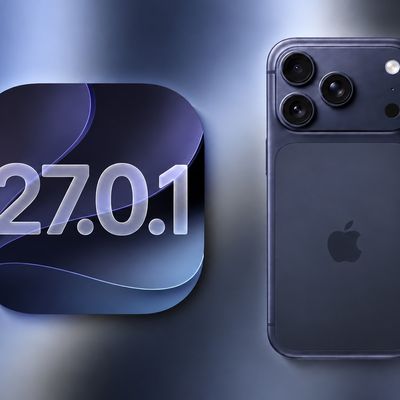
Apple has announced iOS 27, with key new features including "Siri AI" and a Siri app, a slider to adjust the appearance of Liquid Glass, expanded child safety features, faster performance, "tons of refinements" for improved reliability, and more.
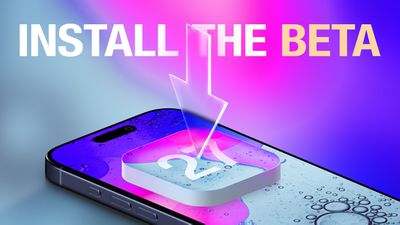
Anyone with an Apple Developer account is able to install the iOS 27 developer beta for free, with Apple Developer Program membership for $99 per year no longer required in recent years. After registering, restart your iPhone and open the Settings app. Next, tap on General → Software Update → Beta Updates and select the iOS 27 Developer Beta option. From there, you can install the beta on your iPhone.
Apple said the first iOS 27 public beta will follow in July.
To install a public beta, first sign up at beta.apple.com. After enrolling, restart your iPhone and open the Settings app. Next, tap on General → Software Update → Beta Updates and select the iOS 27 Public Beta once it is available.
Keep in mind that the revamped version of Siri — aka "Siri AI" — has a waitlist.
iOS beta versions can have bugs and performance issues. Backing up your iPhone before installing beta software is highly recommended.