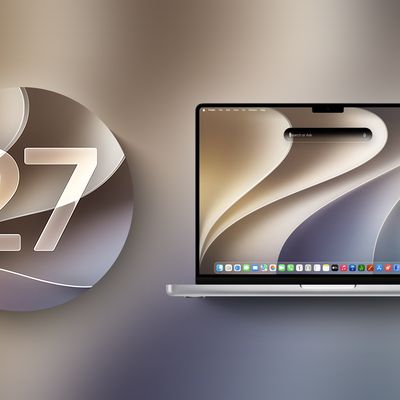
macOS 27 Golden Gate Adopts iPhone-Like Pull-to-Refresh Support
macOS 27 Golden Gate adds pull-to-refresh support to the Mac, adopting one of iPhone and iPad's most familiar gestures for the first time.

The feature, which Apple calls "Swipe down to refresh," lets users swipe down within apps to fetch the latest content, rather than relying on a keyboard shortcut or menu item. Apple confirmed that Safari, Mail, News, Podcasts, and Calendar are among the apps that support the gesture at launch.
Pull-to-refresh has been a staple of iOS and iPadOS for many years, offering an intuitive, gesture-driven way to update app content. Its arrival on macOS suggests Apple is continuing to blur the interaction patterns between its platforms.
Apple is reportedly planning to launch a "MacBook Ultra", a new top-tier laptop expected to feature a touchscreen OLED display with an M6-series chip, the Dynamic Island, and a thinner design. Reports suggest early 2027 is the most likely launch window, following delays attributed to the global memory chip shortage. Touch-friendly interface updates to macOS are almost certainly related to that future product.
Popular Stories
In a post on its developer news website today, Apple announced that it will be introducing "additional controls" for the "Full Disk Access" setting on macOS due to new risks posed by AI agents. This announcement comes amid the rise of always-on AI agents like Meta's Muse and OpenAI's Dots, which have prompted privacy concerns.
"Some developers are using Full Disk Access in ways that could...
Apple released macOS 27 Golden Gate this week, and despite the company's focus this year on refining its flagship operating system, improving performance, and nixing bugs, there are still plenty of new things to explore. There's an overhauled Siri experience, changes across Apple's apps, and much-needed updates across the system interface.
In this article, we've selected 50 new features...
Apple today released macOS 27.0.1, the first update to the macOS Golden Gate operating system that came out in mid-September.
Mac users can download the new macOS Golden Gate software by using the Software Update section in System Settings.
Apple says macOS Golden Gate 27.0.1 fixes unspecified bugs. Apple has also released macOS 26.7.1 and macOS 15.8.1 security updates. ...