With all of the amazing features Apple Watch has to offer, it's almost easy to forget that it's also a watch. Apple has made it possible for you to change watch faces like you change your socks. Not only that, but you can customize each face with a variety of features, called "complications," for a fully personalized experience. We've got a tutorial for you today that explains how to change from one watch face to another, the complications available for each face, and how to customize each face with your favorite ones.


Got a tip for us?Let us know
Changing the Watch Face
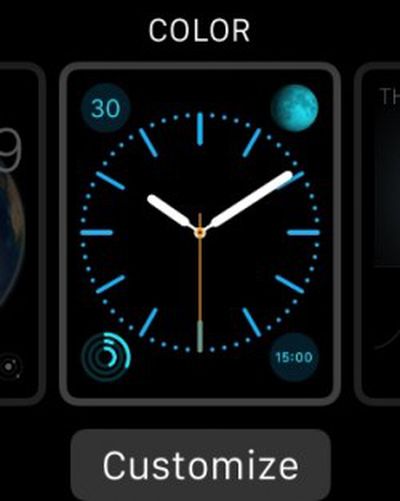 Currently, there are 10 different watch faces available on Apple Watch, but Apple has hinted that additional watch faces will be released in the future. For now, switching between the 10 watch faces is simple.
- Press firmly on the screen that displays the time (what Apple calls a Force Touch).
- Swipe left or right to browse watch face options.
- Tap "Customize to see available complications and other options for each face.
- Tap the face you want to use.
Watch Faces and Customizable Complications
 Astronomy
The astronomy face displays the solar system, day, date, and current time. There are no complications to customize, but you can move the planets forward and backward in time by turning the Digital Crown. You can also tap the moon icon to see its current phase and tap the solar system icon to see the position of the planets.
 Chronograph
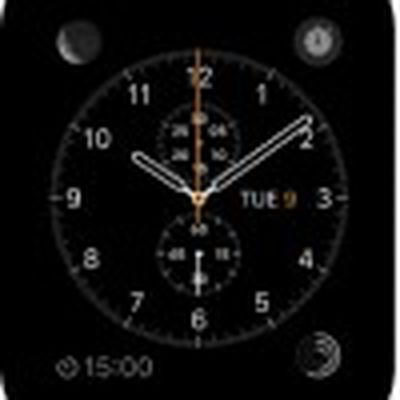
The chronograph face is perfect for precision timing down to the millisecond. You can change the face color and dial details. You can also add the following complications: date, calendar, moon phase, sunrise and sunset, weather, stocks, activity summary, alarm, timer, battery life, and world clock.
 Color
Color
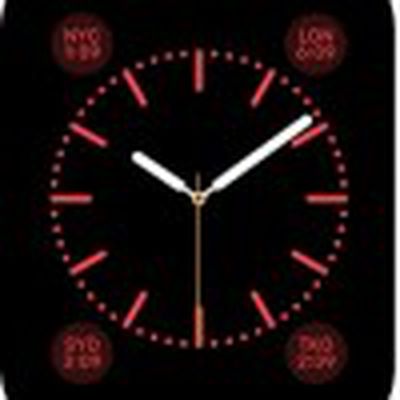
Colors is a basic analog watch face with multiple bright color options for the face. You can add the following complications: date, moon phase, sunrise and sunset, weather, activity summary, alarm, timer, stopwatch, battery life, world clock, and your personal monogram (your initials, taken from your contacts list, displayed above the center).
 Mickey Mouse
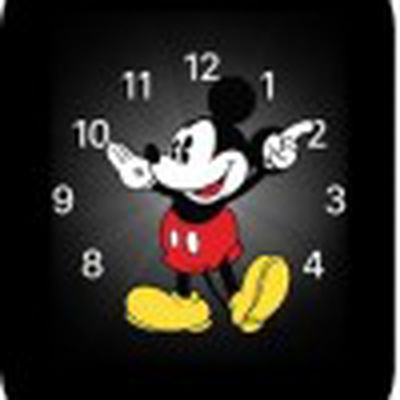
If you are headed out for some fun, the Mickey Mouse face offers an animated ticker similar to classic Mickey watches, only this one taps his toe as he points to the time. You can add the following complications: date, calendar, moon phase, sunrise and sunset, weather, activity summary, alarm, timer, stopwatch, battery life, world clock, and stocks.
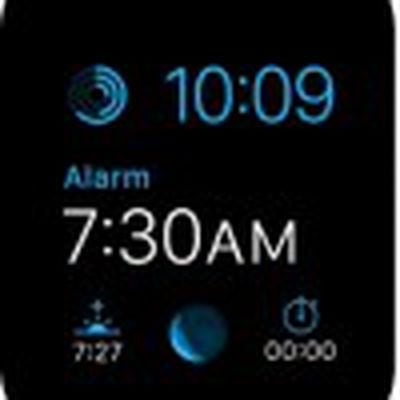 Modular
If you want the most features available on your watch, then the Modular face is right for you. It comes in a variety of colors and you can add the following complications: date, calendar, moon phase, sunrise and sunset, weather, stocks, activity summary, alarm, timer, stopwatch, battery life, and world clock. Plus, you can see expanded views of calendar, weather stocks, activity, alarm, timer, stopwatch, and world clock.
 Motion
If you really want to impress people with a great looking Apple Watch, show them an animated face. This includes animations of butterflies, flowers, or jellyfish, all of which display slight movement. Each time you raise your wrist, you'll see a different butterfly, flower, or jellyfish in a variety of colors and shapes. The only complication available to add to the time is the date (with or without the day).
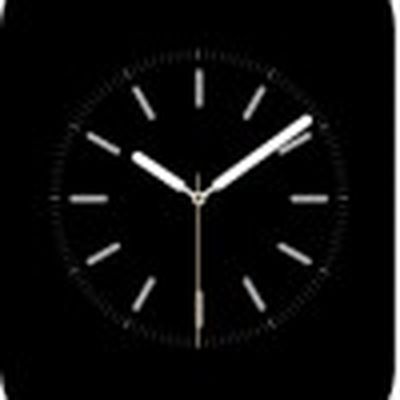 Simple
Of course, if you own an Apple product, there is probably a minimalist hiding inside you somewhere. If you aren't ashamed of it, this face is a real eye-catcher. You can change the color of the second hand and adjust the details and numbering of the dial. You can also add the following complications: date, calendar, moon phase, sunrise and sunset, weather, activity summary, alarm, timer, stopwatch, battery life, and world clock.
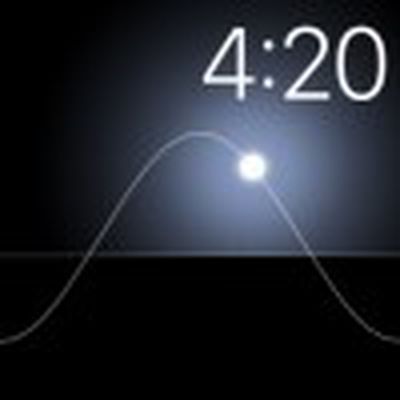 Solar
Solar
If you are a bit of a sun worshiper, you might prefer a simple no-frills watch face that displays the sun's current position in the sky on a curved line. You can't add any complications, but you can move the sun across the curve to see it at dusk, dawn, zenith, sunset, and darkness by turning the Digital Crown. The face's colors change over the course of the day to match the time.
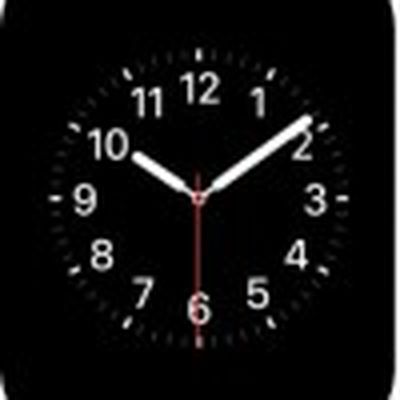 Utility
If you are a no-nonsense kind of person, this watch face will suit your needs. You can change the color of the second hand and details of the dial and numbers. You can also add the following complications: date, calendar, moon phase, sunrise and sunset, weather, activity summary, alarm, timer, stopwatch, battery life, and world clock, and stocks. You can also expand the views of these features.
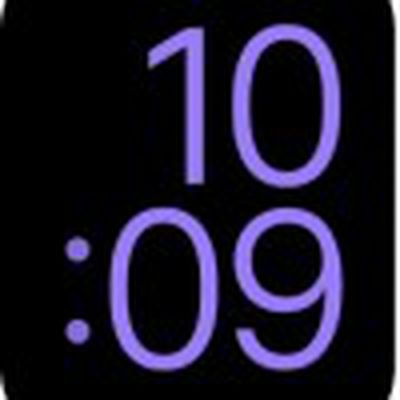 X-Large
Worried that you won't be able to see everything on that tiny screen? The "X-Large" watch face displays the time in digital form in large numbers that take up the entirety of the screen. It's a clean look and useful for those who might have eyesight problems. You can't add any complications, but you can change the color. There are eight choices ranging from purple to red to white.
Customizing Complications
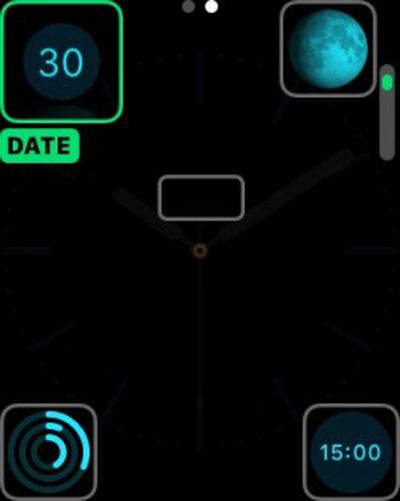 Now that you know what each face can do and what it looks like, you'll need to learn how to make the changes you want.
- With the watch face showing, firmly press the display.
- Tap Customize.
- Tap to select a feature and turn the Digital Crown to adjust it.
- When finished, press the Digital Crown to save the changes.
- Tap the face to switch to it.
Adding Faces to Your Collection
You can add any number of customized faces, even ones with the same face but different complications, to your collection for quick access. It's a good way to save a variety of different configurations for use in any situation.
- With the watch face showing, firmly press the display.
- Swipe all the way to the right and tap the plus (+) icon.
- Swipe up and down to browse the faces and tap the one you wish to add.
- Customize the face to your preferences.
- To delete a face from your collection: with the face showing, firmly press the display, swipe to the face you don't want, then swipe it up and tap delete.
Setting Your Watch Ahead
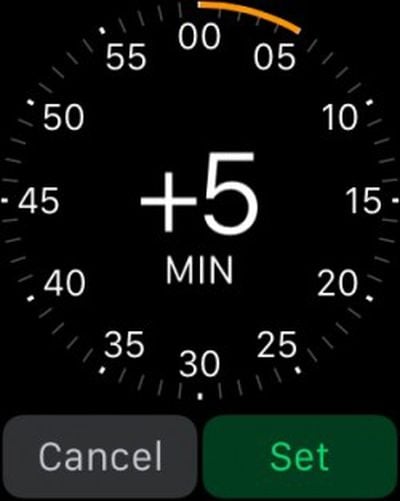 If you are the type of person that sets their watch five minutes ahead in order to make it on time, you won't be restricted to real-time with Apple Watch. You can set it ahead, just like a traditional watch.
- Open the Settings app on the Apple Watch.
- Tap "Time," and then tap +0 min.
- Turn the Digital Crown to set the watch ahead as much as 59 minutes. This only changes the time on the watch face. It does not affect notifications and alarms.
With all of the highly customizable features available for each of the ten Apple Watch faces, you'll be able to change them with every different mood you have throughout the day.
Related Roundup: Apple Watch 12
Buyer's Guide: Apple Watch (Buy Now)
Related Forum: Apple Watch
Popular Stories

Apple Watch Series 12, Ultra 4 Owners Report Skin Irritation
Some Apple Watch Series 12 and Ultra 4 owners have experienced unexpected skin irritation with the new models, according to reports on the MacRumors forums and Reddit.
Affected users complain of a burning sensation and redness under the sensor area. The Apple Watch Series 12 and Ultra 4 measure heart rate every five seconds, and some people have wondered if that's the cause of the skin...

MacRumors Giveaway: Win an Apple Watch Series 12 and a Nylon Band From Southern Straps
For this week's giveaway, we've teamed up with Southern Straps to offer MacRumors readers a chance to win an Apple Watch Series 12 and a nylon band from Southern Straps to go along with it.
Southern Straps is a California-based company that has been making high-quality bands for the Apple Watch since the device first launched in 2015, and the company's selection of bands offer a an...

Apple's $634 Million Apple Watch Patent Bill Just Got Even Bigger
Apple's $634 million patent loss to medical technology company Masimo has just gotten even bigger, after a federal judge ordered Apple to pay an additional $184 million in interest on what it owes (via Bloomberg Law).
The ruling takes Apple's bill to around $818 million, but that doesn't include any post-judgment interest continuing to accrue until the judgment is paid.
Judge James Selna ...















































Top Rated Comments
That would be a neat effect on the Watch. If there was a face that looked like gold or silver raised Roman numerals, the movement of your wrist could make the numerals appear to reflect the ambient light. Now THAT would be classy!
I also think the current selection is a bit limiting: utility, simple and Color all look very similar, and there are no options to add a seconds counter to the digital faces. The motion face is cool, but flowers are all rose and yellow coloured - why not red/blue/purple? (Maybe that's to match the Edition versions). There are also no square faces (odd, considering the watch is square shaped) and no Roman Numerals options. I know Jony Ive is all for the modern, but, given the lengths they've gone to reference traditional timekeeping, it again seems an odd omission.
I did send Tim Cook an email yesterday - very positive but allaying my current concerns over the limited range of faces, so hopefully someone will look at it (Tim apparently reads all his emails), and I'm pretty sure it'll get addressed. It just seems odd considering they could churn out a lot more watch faces in a week of development, yet there have been no new faces since the original announcement in September (apart from the removal of the two edge-based ones). Let's face it, 10 is pretty limiting, especially when half of them are nearly the same.
Anyhoo, hopefully they will address these things soon, and also add a third party option in future (even if carefully vetted).
I'm waiting for the step by step guide on other basic functions of the watch. Like, how to tell the time from a clock face. What's the long line? What's the short line? Answers within.