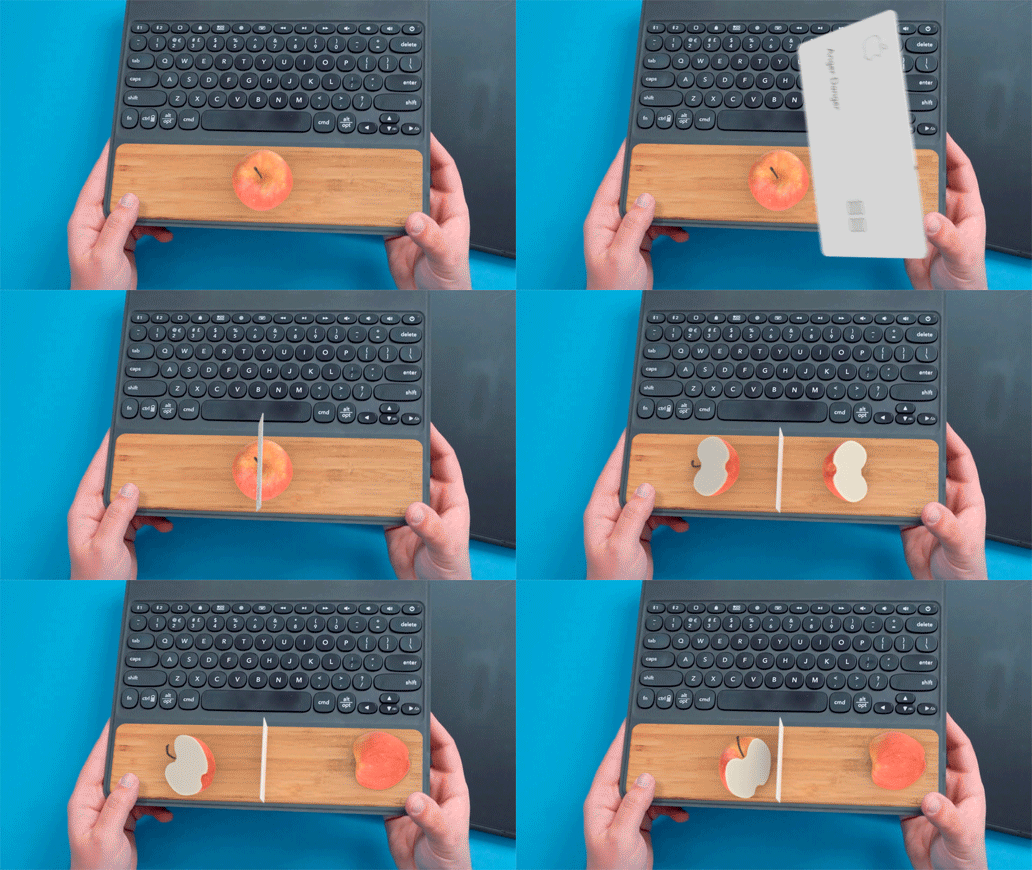
Apple designed a Smart Keyboard Folio for the 11- and 12.9-inch iPad Pro models, but while it's super slim, it's also expensive and with flat keys that some iPad users might not like.
Luckily, third-party companies like Zagg and Logitech have come out with some alternate iPad Pro keyboards, and in today's video, we're comparing the Smart Keyboard Folio from Apple to two popular alternatives - the Slim Folio Pro from Logitech and the Slim Book Go from Zagg.
Watch on YouTubeWe tested keyboards for the 12.9-inch iPad Pro, but both Logitech and Zagg make variants for both iPad Pro models. Zagg's Slim Book Go is priced at $99 for the 11-inch model and $130 for the 12.9-inch model, while the Slim Folio Pro from Logitech is priced at $120 for the 11-inch model and $130 for the 12.9-inch model.
Both third-party keyboard options are cheaper than the Smart Keyboard Folio from Apple, which costs $179 for the 11-inch iPad Pro and $199 for the 12.9-inch model, so you can save a decent amount of cash with a third-party option.
Apple's Smart Keyboard Folio is super slim and adds a minimal amount of bulk to the iPad Pro, and that thin profile is a feature that Logitech and Zagg haven't been able to match. The Slim Folio Pro and the Slim Book Go both add a considerable amount of bulk to the iPad Pro, doubling the weight of the device and making it a good deal thicker.

Of the two, the Slim Book Go from Zagg is the heftier model, but both are pretty bulky. If you're someone who prefers a device without a thick case on it, these keyboards may not be for you. There are, however, some benefits to these cases beyond price, such as the feel of the keyboard.
The Smart Keyboard Folio from Apple has flat, fabric covered keys that have little travel and don't feel much like a standard keyboard. Zagg and Logitech's solutions, though, are thicker and thus accommodate keys with more travel, a more satisfying press, and just a better overall feel.
The Slim Book Go from Zagg is designed to protect the entire iPad Pro, providing solid drop protection. The case itself is made from a hard plastic, while the keyboard has a cloth feel on the front and felt material surrounding the keys.

You can detach the keyboard cover from the case if you want, leaving just the case itself on the iPad. Zagg left a lot of space at the bottom of the keyboard on the Slim Book Go, so it's comfortable to rest your wrists, but when using it on your lap, it's wobbly.
That's not a problem in a situation where you're using it on a desk, and with the adjustable stand there are multiple viewing angles, something you don't get with Logitech's version. The keyboard is pleasant to type on, but there's no backlighting for the keys. It's not clear why, but there's no sleep/wake function in the cover, so shutting it won't turn off your iPad. Multi-device support is included, something not available in the Slim Folio Pro.

Logitech's Slim Folio Pro, unlike the Slim Book Go, is all one piece without a detachable keyboard option. It has a thick rubber frame that protects the iPad, and a single viewing angle for using while typing.
The Slim Folio Pro and the Slim Book Go both offer a better typing experience than the Smart Keyboard Folio for those who like more traditional keys, but we preferred the feel of the Slim Book Go a bit more because the keys have more travel and a more satisfying click. On the plus side, it's a bit less bulky and not as heavy, and it has backlit keys, a nice bonus feature.
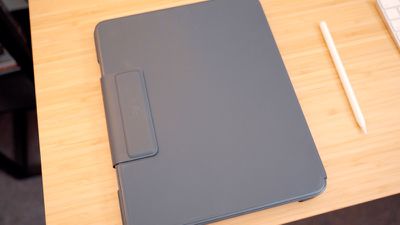
Both the Slim Book Go and the Slim Folio Pro connect to the iPad Pro using Bluetooth, making the Smart Keyboard Folio the only keyboard accessory that uses the Smart Connector on the new iPad Pro models. Bluetooth isn't as convenient as the Smart Connector, but these keyboards don't need to be charged often and when they do, you can use USB-C.
So which should you choose? If you hate bulk, get the Smart Keyboard Folio or plan to remove these keyboard cases when not in use, something that can be a hassle.
If you want the best typing experience that's closest to a laptop and don't mind the thickness, choose the Zagg, but if you want something a bit slimmer with backlighting and more stability for on-lap use, choose the Logitech (and make sure to check out our full review). You can, of course, choose none of the above and opt for a much cheaper standalone Bluetooth keyboard.
Which iPad Pro keyboard do you prefer? Apple's, Logitech's, Zagg's, or something else? Let us know in the comments.