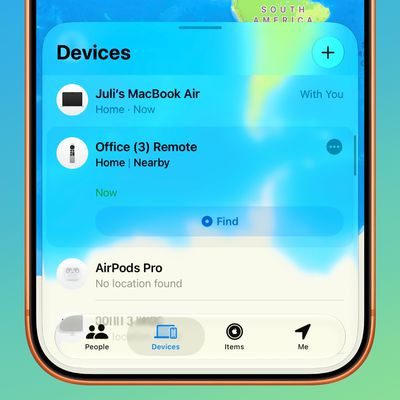
 In iOS 13 and iPadOS, the Find My app replaces the Find My Friends and the Find My iPhone apps of old and brings their features together in a unified interface that allows you to find whatever it is you need.
Like Find My Friends, the Find My app lets friends share their real-time location with you and vice versa. If your friend allows it, the app also lets you receive notifications whenever they leave or arrive at a location.
In the old Find My apps, you could swipe down on the screen to manually update the location info of a person or device. In the new Find My app and with a good signal, the location beacons on the map in the People and Devices tabs are designed to refresh periodically and automatically every minute or so.
If you think your connection's spotty or you don't want to wait for the next periodic refresh, you can perform a manual update. Simply tap the name of the person or device to open their card and zone in on their whereabouts. That should be all you have to do. Under their address, the time last seen should swiftly change to NOW.
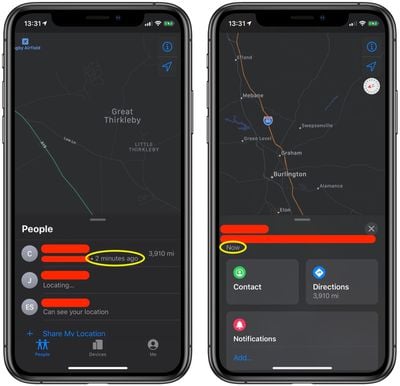
If opening the location card fails to refresh the time last seen, it could be due to a poor signal in either the area of the transmitter or the receiver – try moving to an area with a stronger cellular signal, then try again. You can also quit out of the app by swiping upwards and then reopen it to get the connection to refresh for all of your devices.